Besser coden mit Keratokonus – Fonts, Themes & Tricks für macOS, WezTerm und VS Code
von Robin Willig
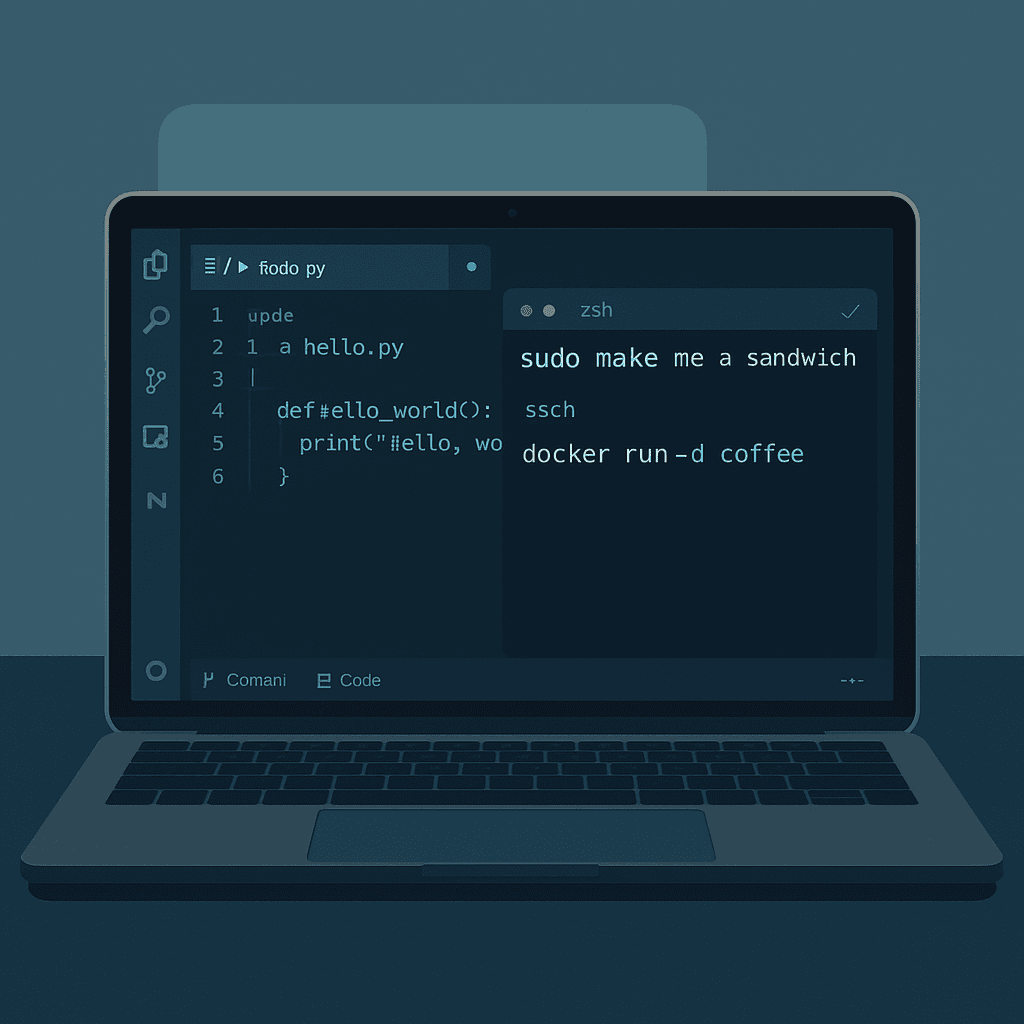
WezTerm – Terminal klarer machen
Mein Terminal ist für mich ein Dauerarbeitsplatz – da muss jede Zeile sofort erkennbar sein. Mit Keratokonus heißt das: klare Fonts, kräftiger Cursor, keine unnötige Transparenz.
Meine aktuelle Config
local wezterm = require("wezterm")
local config = wezterm.config_builder()

-- 🎨 Farben & Font
config.color_scheme = "nord"

config.font = wezterm.font_with_fallback({
  { family = "Monaspace Argon", weight = "Medium" }, -- klare Glyphen
  "Symbols Nerd Font Mono",                          -- liefert Powerline/Devicons
  "CaskaydiaMono Nerd Font",                         -- optionaler Fallback
  "Apple Color Emoji",
})

config.freetype_load_target = "Light"

config.font_size = 12.5
config.line_height = 1.25
config.cursor_thickness = 3.0

-- 💻 Performance
config.front_end = "WebGpu"
config.enable_wayland = true
config.scrollback_lines = 10000
config.animation_fps = 60
config.max_fps = 120

-- 🖼️ Optik
config.window_background_opacity = 0.94
config.macos_window_background_blur = 12
config.window_padding = { left = 8, right = 8, top = 4, bottom = 4 }
config.default_cursor_style = "SteadyBar"

-- 🔧 Verhalten
config.send_composed_key_when_left_alt_is_pressed = true
config.send_composed_key_when_right_alt_is_pressed = true
config.hide_tab_bar_if_only_one_tab = true
config.adjust_window_size_when_changing_font_size = false

-- ⌨️ Keybindings
config.keys = {
  {
    key = "f",
    mods = "SUPER",
    action = wezterm.action_callback(function(win, pane)
      local cwd = pane:get_current_working_dir()
      if cwd then
        local path = cwd:sub(8) -- remove "file://"
        win:perform_action(
          wezterm.action.SpawnCommandInNewTab{
            args = { "fzf-open", path },
          },
          pane
        )
      end
    end),
  },
}

return config
Warum diese Einstellungen?
- Nord Theme → klare Farben, angenehmer Kontrast.
- Monaspace Argon Medium → als Hauptfont für klare, gut lesbare Glyphen.
- Nerd Font Fallback → sichert Icons für Powerline, Devicons und Co. ab.
- Freetype Load Target "Light" → leichte Kantenglättung für bessere Lesbarkeit.
- Performance-Settings → WebGPU-Frontend, hohe FPS, großer Scrollback für flüssiges Arbeiten.
- Optik → Transparenz leicht reduziert, Blur für angenehme Tiefe, Padding für entspannte Optik.
- Cursor → dicker Balken, damit man ihn sofort findet.
- Verhalten → Alt-Key Settings für bessere Tastaturkompatibilität, Tab-Bar wird ausgeblendet, wenn nur ein Tab offen ist, und Fenstergröße bleibt stabil beim Schriftgrößenwechsel.
- Keybinding mit fzf → schnelles Öffnen von Dateien im aktuellen Verzeichnis mit SUPER+f.
VS Code / Windsurf – Lesbarkeit & Setup
Gerade beim Coden in VS Code oder Windsurf ist Lesbarkeit alles – ein klarer Font, hoher Kontrast und ein ruhiges Interface helfen enorm. Hier meine wichtigsten Einstellungen für settings.json:
{
  "window.autoDetectColorScheme": true,
  "workbench.preferredDarkColorTheme": "Nord",
  "workbench.preferredLightColorTheme": "Nord Light",
  "workbench.colorTheme": "Nord",
  "workbench.iconTheme": "material-icon-theme",
  "editor.fontFamily": "Monaspace Krypton, Monaspace Argon, Atkinson Hyperlegible, JetBrainsMono Nerd Font, Symbols Nerd Font Mono, Menlo, monospace, Apple Color Emoji",
  "editor.fontWeight": "500",
  "editor.fontSize": 14,
  "editor.lineHeight": 22,
  "editor.letterSpacing": 0.2,
  "editor.fontLigatures": "'calt', 'liga', 'ss01', 'ss02', 'ss03', 'ss04', 'ss05', 'ss06', 'ss07', 'ss08', 'ss09'",
  "editor.minimap.enabled": false,
  "editor.renderLineHighlight": "all",
  "editor.guides.indentation": true,
  "editor.wordWrap": "on",
  "editor.smoothScrolling": false,
  "editor.scrollBeyondLastLine": false,
  "workbench.list.smoothScrolling": false,
  "editor.inlayHints.enabled": "offUnlessPressed",
  "workbench.colorCustomizations": {
    "editorLineNumber.foreground": "#88c0d0",
    "editorLineNumber.activeForeground": "#5e81ac"
  },
  "editor.inlineSuggest.fontFamily": "Monaspace Neon, Menlo, monospace",
  "editor.inlineSuggest.fontSize": 13,
  "terminal.integrated.fontFamily": "Monaspace Argon, JetBrainsMono Nerd Font, Symbols Nerd Font Mono, Menlo, monospace, Apple Color Emoji",
  "terminal.integrated.fontWeight": "500",
  "terminal.integrated.minimumContrastRatio": 7,
  "terminal.integrated.scrollback": 5000,
  "terminal.integrated.smoothScrolling": false,
  "terminal.integrated.cursorStyle": "block",
  "terminal.integrated.cursorBlinking": true,
  "terminal.integrated.confirmOnExit": "hasChildProcesses",
  "workbench.reduceMotion": true,
  "workbench.tree.indent": 14,
  "git.enableSmartCommit": true,
  "git.confirmSync": false,
  "git.autofetch": true,
  "git.rebaseWhenSync": true,
  "git.mergeEditor": true,
  "scm.diffDecorations": "gutter",
  "files.autoSave": "afterDelay",
  "files.autoSaveDelay": 1500,
  "explorer.compactFolders": false,
  "explorer.confirmDragAndDrop": false,
  "breadcrumbs.enabled": true
}
Warum diese Settings?
- Nord Theme: sanfte, kontrastreiche Farben, die nicht blenden.
- Material Icon Theme: klare, gut erkennbare Icons.
- Font + Fallbacks: Monaspace Krypton/Argon für Klarheit, Hyperlegible als Backup, Nerd Fonts für Icons.
- Minimap aus: weniger Ablenkung, mehr Fokus auf Code.
- Line-Highlight & Zeilennummern: Orientierung, Fokus und bessere Navigation.
- Terminal-Kontrast: hohe Lesbarkeit im integrierten Terminal.
- Autosave: schützt vor Datenverlust, entspanntes Arbeiten.
PhpStorm – Lesbarkeit & Setup
Für PhpStorm habe ich mir ein Setup gebastelt, das speziell auf Keratokonus zugeschnitten ist – mit klarem Theme, kontrastreicher Darstellung und optimierten Fonts.
🎨 Erscheinungsbild (Appearance & Behavior → Appearance)
- Theme: Material Theme UI → Darker Solarized
- Contrast Mode: aktiviert (Material Theme UI)
- Scrollbars: High Contrast (PhpStorm Appearance-Settings)
- UI-Einstellungen:
- Use custom font: aus
- Reduce motion: an
- Show scrollbars: nur beim Scrollen
🔤 Editor → Font & Color Scheme
- Font:
- Primär: Monaspace Krypton (Frozen)
- Größe: 14 pt
- Zeilenabstand: 1.4
- Gewicht: Medium/500
- Ligaturen: an (Frozen verhindert unnötige OpenType-Ligaturen)
- Fallback: JetBrains Mono
- Color Scheme: Nord (über Plugin)
- Line Numbers: an
- Active Line Highlight: an
- Method Separators: an
⌨️ Editor-Verhalten
- Caret (Cursor):
- Blinken: aus
- Breite: 2–3 px
- Stil: Block oder Steady Bar
- Code Folding: nur Imports und Docs falten
🗂️ Project Tree & Navigation
- File Colors: deaktiviert oder neutral gehalten
- Explorer / Tree:
- Indent: 14 px
- Compact Folders: aus
⌨️ Keymap
- Quick Switch Scheme: Shortcut eingerichtet
- Toggle Distraction Free Mode: Shortcut eingerichtet
🧩 Erweiterungen / Plugins
- Material Theme UI (für Darker Solarized Theme + Contrast Mode)
- Nord Theme Plugin (für Color Scheme)
🧾 Ergebnis
Mit diesem Setup bekommst du:
- 🌙 ruhiges Dark Theme (Darker Solarized) mit Contrast Mode für bessere Lesbarkeit
- 🔤 Monaspace Krypton (Frozen) als Hauptfont – klare Buchstabenformen, kein Ligaturen-Matsch
- 📏 größere Schrift + mehr Zeilenabstand → weniger Ghosting
- 👁️ High Contrast Scrollbars + Cursor Tweaks → schneller Fokus
- 🧘 reduzierte Bewegung & minimalistisches UI → weniger Ablenkung
- 🛠️ Plugins & Vim-Tweaks → flexible Bedienung ohne visuelles Overload